5 Best Video Sales Letter (VSL) Creation Software In 2025
While the production of VSL scripts is increasing, the speed of creation hasn’t. All because there’s no easy tool to create VSLs.
Either you write the script in Google Docs and then create a PowerPoint slides (or Google Slides) for the script. Then, you either do the voiceover (or hire a voiceover on sites like Upwork and Fiverr) and combine the voiceover and the slides to create the video… or, you use a screen recording software to create the video by flipping through the slides on screen and reading the script at the same time.
Both options end up being expensive and cost you either time or money.
But there are many VSL software tools that can help you reduce the time to create your next VSL. After evaluating all the current software tools to create VSLs, here are the top 5 video sales letter software, as well as a new promising one.
Best Video Sales Letter (VSL) Software
Canva — best for slideshow VSLs
Adobe Premiere Pro — best for enterprises
InVideo — best for hybrid VSLs
EasyVSL
Google Slides/PowerPoint/Keynote
1. Canva
Best for text-based or slideshow VSL
Price: starts at Free
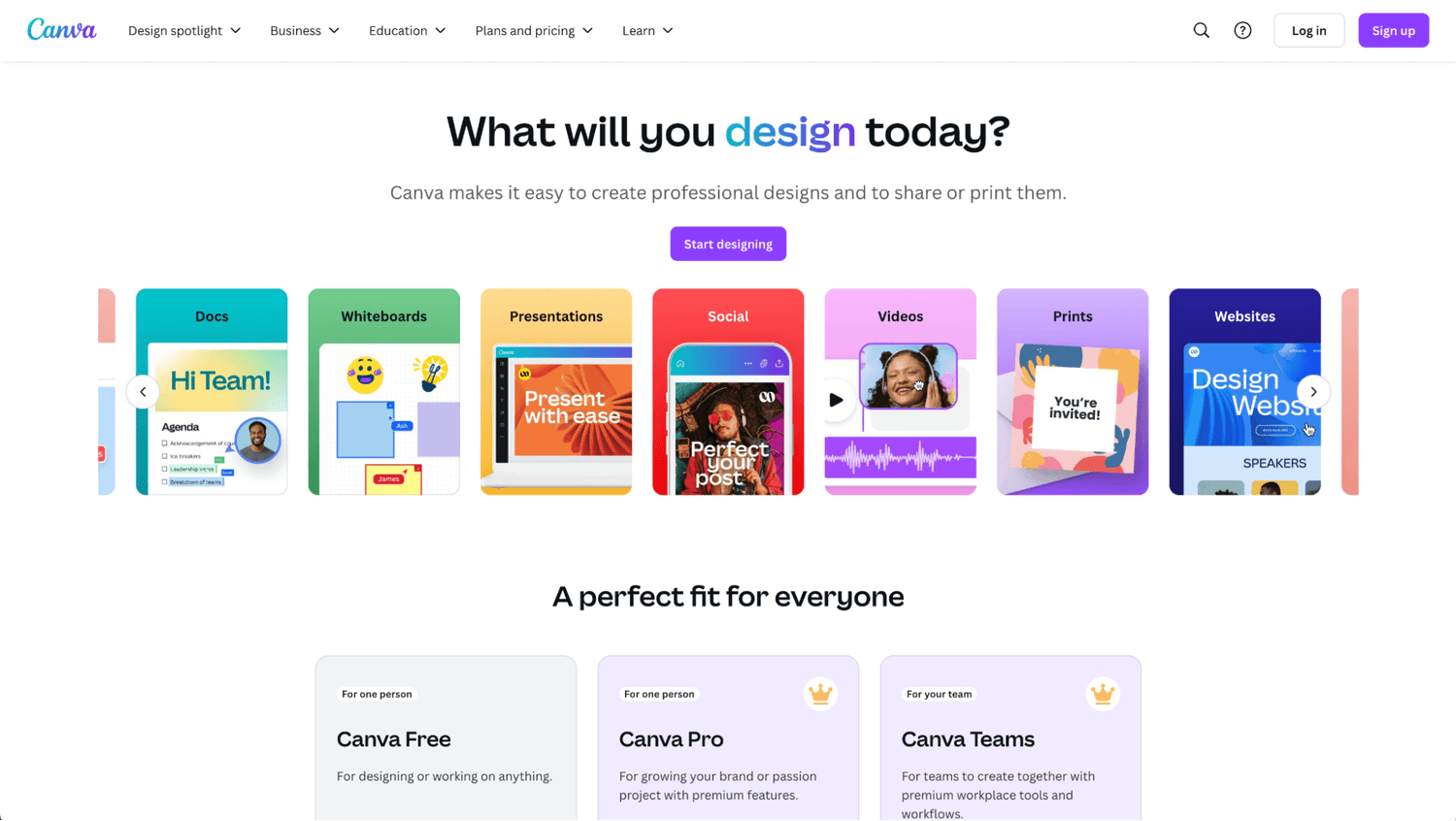
Canva was founded in 2014. Since then, it has been a design tool used for freelancers, marketers, business owners, content creators, and teams to create engaging content. Because of its flexibility, it can let you create video sales letters that have the design and feel you want. This makes them the best software for slideshow VSLs.
Pro:
Easy to use: Canva lets you create videos and add animation without a big learning curve of the tool. Plus, it lets you export the video in high-resolution 1080p (HD) formats or directly share the link to your VSL.
Con:
Time consuming: You still need to manually create the content of each slide, and then sync the video content with the audio. In addition, to add some effects, you probably will need to upgrade to a paid plan ($55 per year for 1 user).
If you don’t mind spending hours editing and creating a single video, or wait weeks for a single VSL, you can use Canva to create high-engaging VSLs.
Top Features
Text to image and stock images
Online screen recorder
High-quality video export
Sound effects
Video splitter
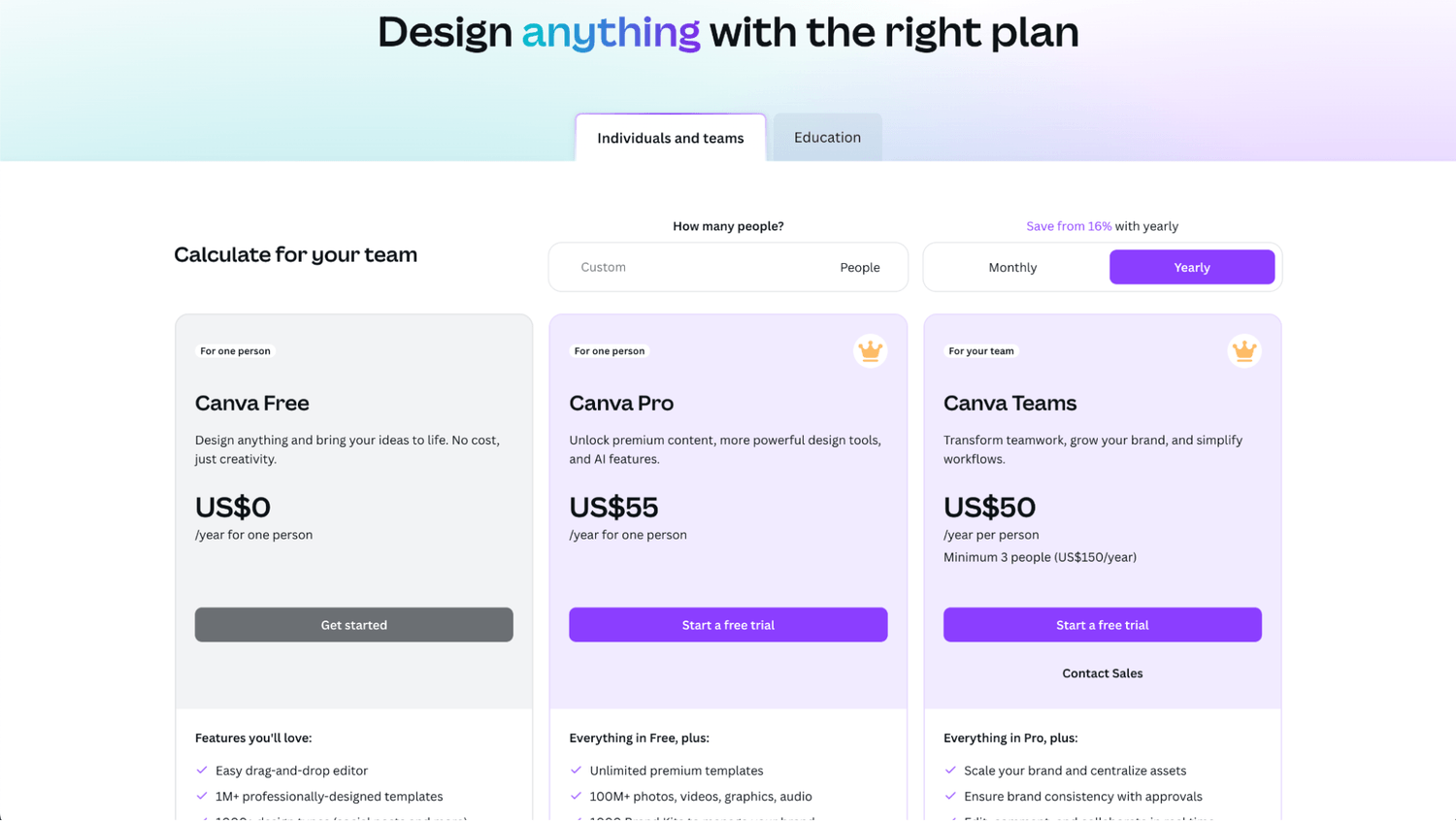
Canva offers 3 pricing options:
Canva Free: Ideal for content creators or marketers starting out.
Canva Pro: It starts at $55 per year (for one person), or $6.50 per month. Ideal for small businesses to create content and VSLs.
Canva Teams: It starts at $150 per year (for a minimum of 3 people), or $15 per month. Ideal for teams that need content creation for social media and multiple formats.
Canva Pro and Canva Teams come with a 30-day free trial, with the option to cancel during the trial.
While Canva is a useful tool for most businesses, the video editing tool is not a key feature that makes Canva stand out from the rest.
2. Adobe Premiere Pro
Best for enterprises
Price: starts at $22.99 per month
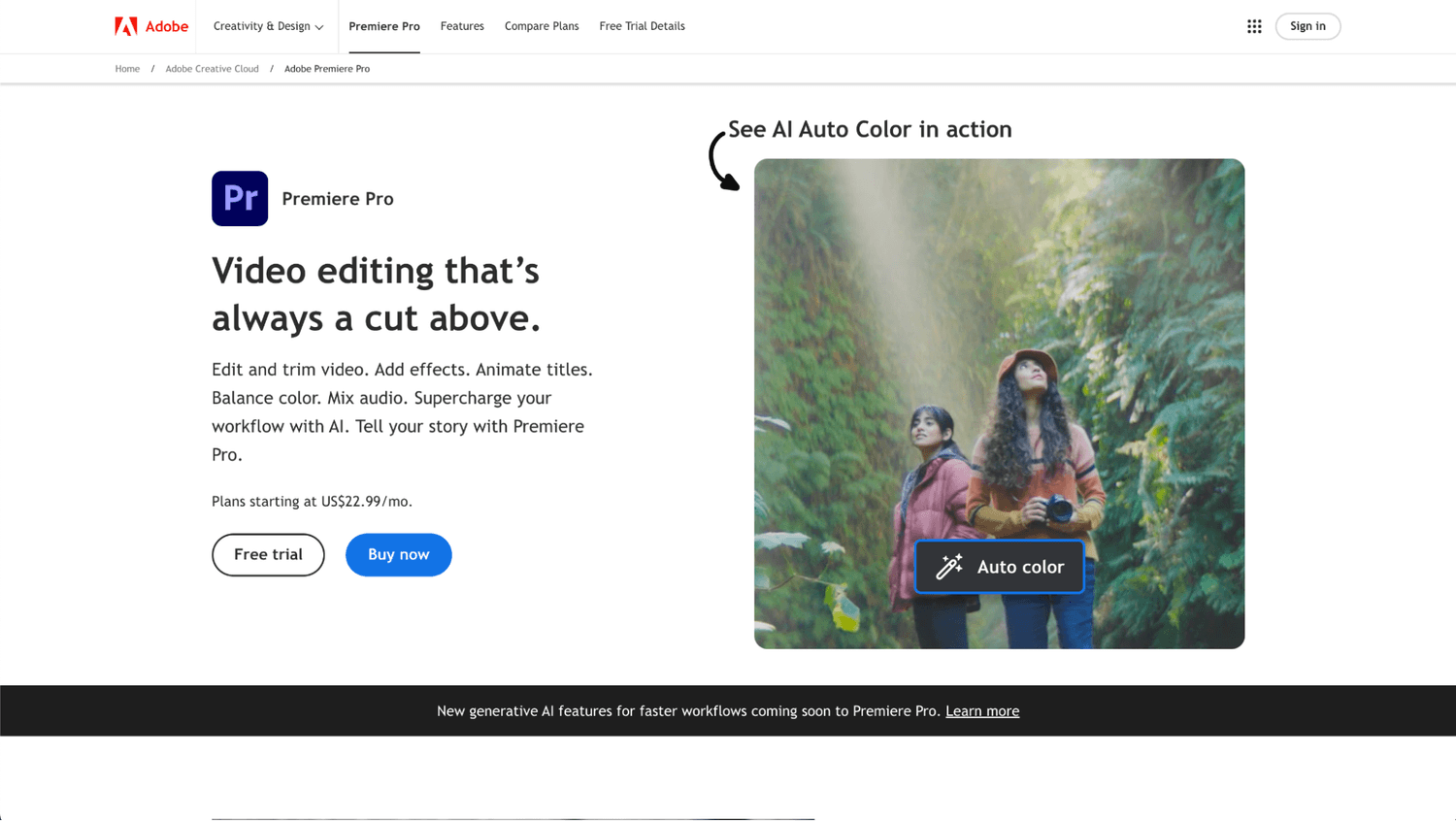
Adobe Premiere Pro is a favorite tool among top video editors and designers. The robust and advanced features make it perfect for freelance designers, content creators, and teams to create high-end videos.
The wide range and features make Adobe Premiere Pro the best software for enterprises.
Pro:
Advanced editing tools: Adobe Premiere Pro offers a wide set of professional editing tools like color management or 3-point editing that helps create professional videos in the way you’d need them. The access to other apps like Adobe Express Premium helps you truly create VSLs with high-quality.
Con:
Deep learning curve: Despite the complex features Adobe Premiere Pro offers, the learning curve for someone who’s not a professional designer can be considerable. The variety of tools can make it confusing and quite difficult for someone to navigate all the tools Adobe Premiere Pro has.
This is ideal for a business who doesn’t plan on testing multiple VSLs consistently and can afford to pay a professional video editor with great experience with Adobe Premiere Pro every time.
Top Features
Speech to text captions
Sync music
Aspect ratio change
Motion graphics
Animated titles
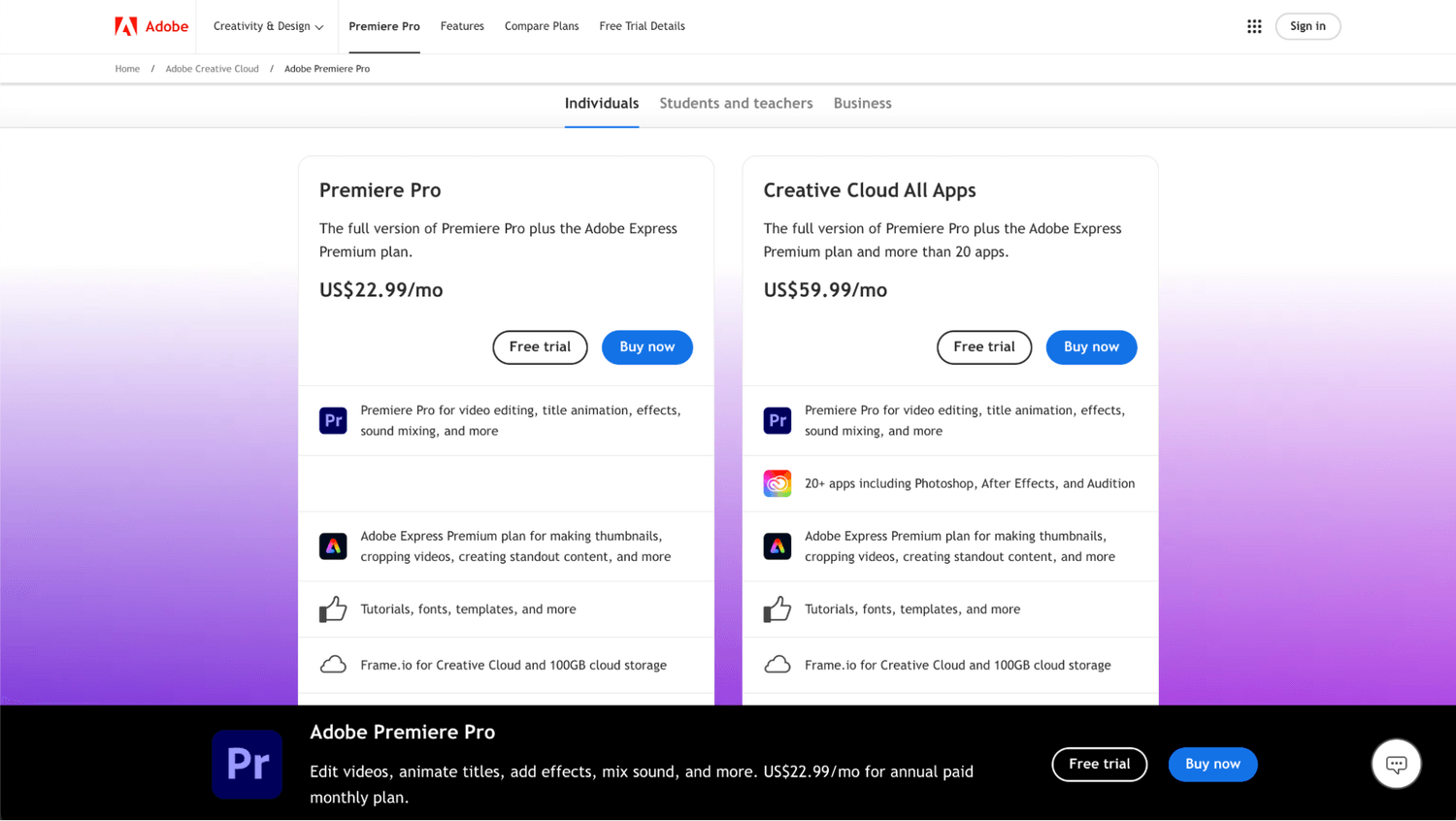
Adobe Premiere Pro offers 2 pricing options:
Premiere Pro: It starts at $22.99 per month as an individual, and it can go up to $37.99 per month for teams.
Creative Cloud All Apps: It starts at $59.99 per month as an individual, and it can go up to $89.99 per month for teams.
Adobe Premiere Pro comes with a 14-day free trial, with the option to cancel at no cost before the trial ends.
The vast editing tools can be quite overwhelming for those who don’t have a professional editor to help them, and it can end up costing them more time and money trying to do it themselves.
3. InVideo
Best for hybrid VSLs
Price: starts at $97
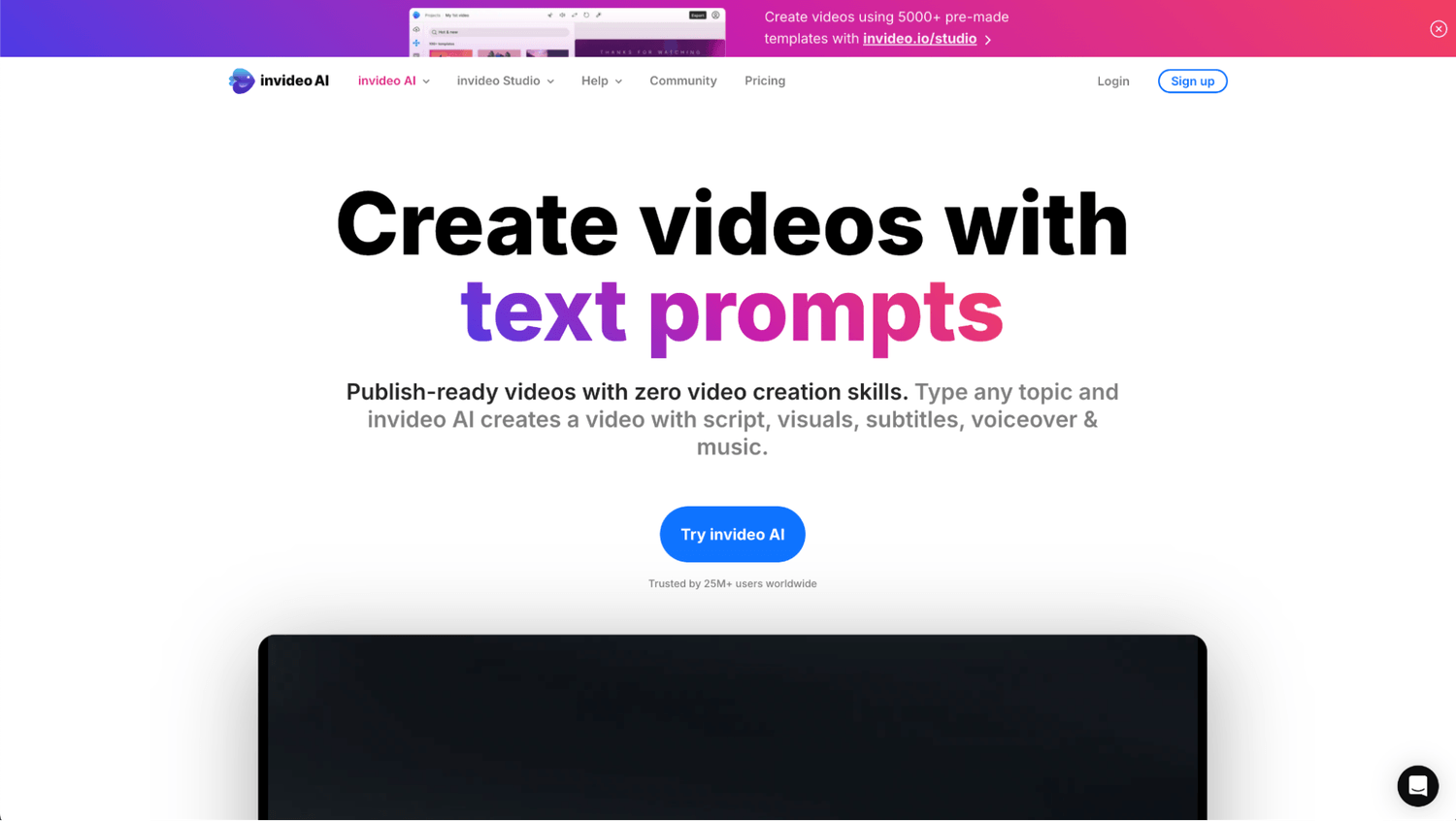
InVideo has become a go-to tool for content creators and digital marketers thanks to its ease of use and accessibility. With its immense library of over 4,000 templates, InVideo stands out as an ideal solution for businesses and individuals seeking to produce quick, high-quality social media content and other mediums with no extensive video editing expertise. However, the platform has limitations in video exporting and template variety, suggesting room for improvement to meet the needs of more demanding video editors.
Pro:
Text to video: InVideo lets you create videos by just typing what’s the topic of the video you want to create. This allows you to massively create videos for content in a matter of minutes for networks like YouTube or Instagram.
Con:
High-converting footage missing: The videos InVideo produce are high quality, and the ease of use lets you create videos in minutes, yet they are not fully optimized for producing VSLs that have principles of persuasion and conversion. This can lead to a decrease in conversions, and still require hiring a professional to manually edit and include these principles into your video.
The question is, what’s the primary goal of your VSL? If you are only planning on driving attention or brand awareness, using InVideo would work great. The issue is for those who use VSLs to drive conversions and want to create videos that result in bookings, customers, or other forms of action taken after watching the video.
Top Features:
Text to video
AI voice cloning
Real time collaboration
Video translation
Text prompt editing
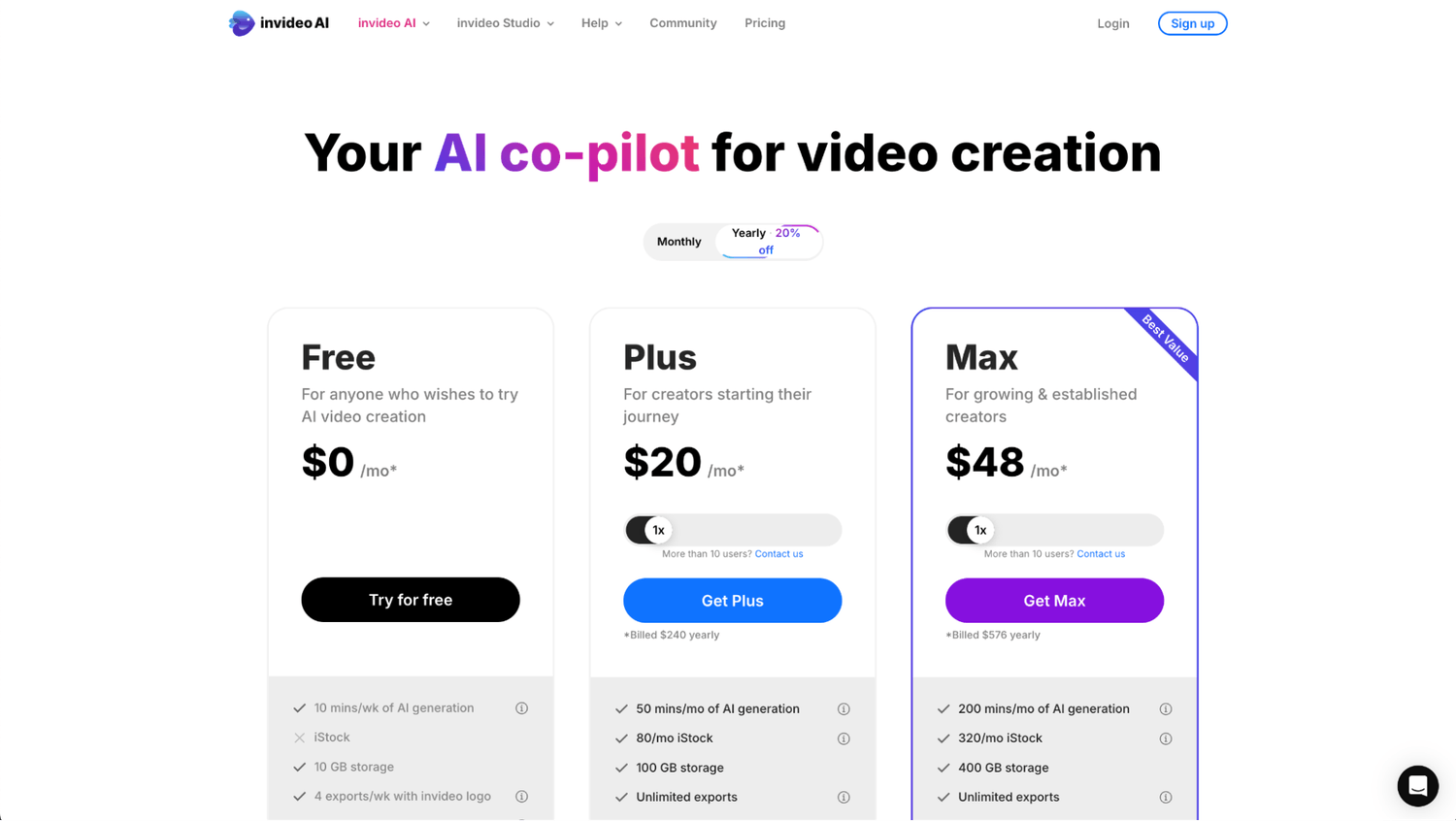
InVideo offers 3 pricing options:
Free: This option is ideal for those getting started in video creation and want to test some features, knowing there’s a limit on storage and weekly usage.
Plus: It starts at $240 per year for one user, or $25 per month for one user.
Max: It starts at $576 per year for one user, or $60 per month for one user.
InVideo doesn’t offer a free trial, yet you can cancel your subscription at any point and keep using the tool until the end of the billing cycle. The great advantage of InVideo is how innovative it has been in the video production space, yet its focus goes into content creation, not video conversion like VSLs.
4. EasyVSL
Price: starts at $27 per month
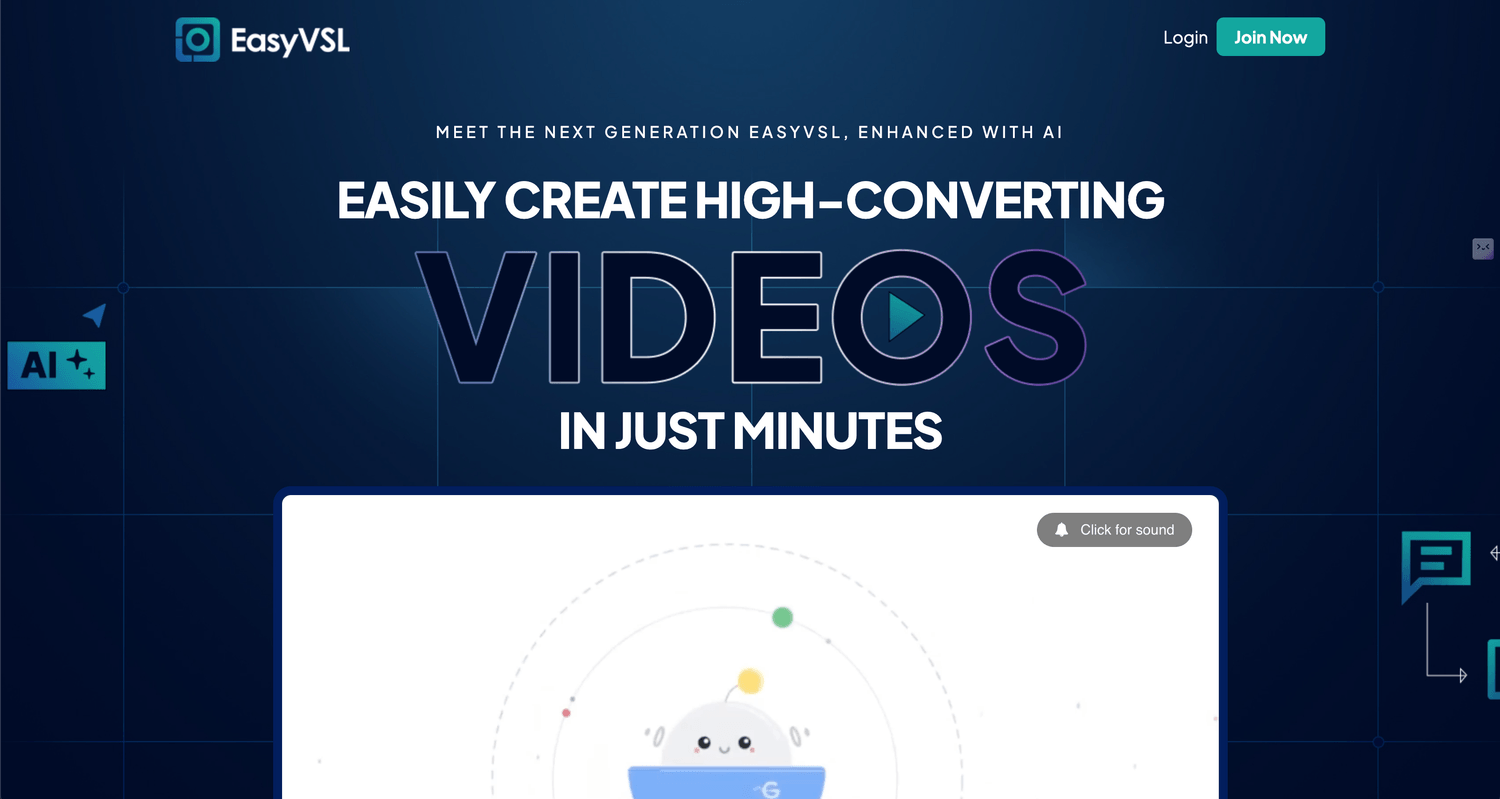
EasyVSL used to be the best software for creating slideshow VSLs. The simplicity of the software lets anyone create VSLs in a matter of minutes. While there are not any AI advanced features included in, the simple to use timeline editor helps create videos that can look professional and have all the sound effects you want.
Pro:
Voice over sync with slides: a great time saver is the option to easily sync the content with the audio of your VSL already recorded. While it doesn’t let you natively do it (as you have to connect to IBM Watson), it can still work sometimes.
Multiple formats: EasyVSL lets you create different videos for different content purpuses besides VSL. They have recently expanded to short form format as well.
Con:
Breaking features: not only EasyVSL only works by downloading the tool into a computer, but there seem to be cases where the basic features stopped working as they should. The audio and video weren’t synced properly when exporting (whether or not you did it manually), and the support can stop being responsive. Plus, you have to manually break down the content of your VSL in slides and then edit each one to make sure it’s good. And it doesn't have advanced video editing options to include Avatars in the videos.
Not using brain science: While EasyVSL lets you create videos fast, it doesn't take into account the objective of the tool... to increase conversions by creating something that works with the brain. That's why some videos while look good, not always will necessarily convert.
EasyVSL is still a good option for creating VSLs with a script, but the video shouldn’t be that long. If you create a 3,000 script, the editing could take up to 12 hours or more. Plus, you still have to record your audio, or hire a spokesperson to do it, which adds more time and money wasted.
Top Features:
Insert existing video clips
Text-to-speech (TTS)
Kinetic explainer videos
1-click video syndication
Free updates
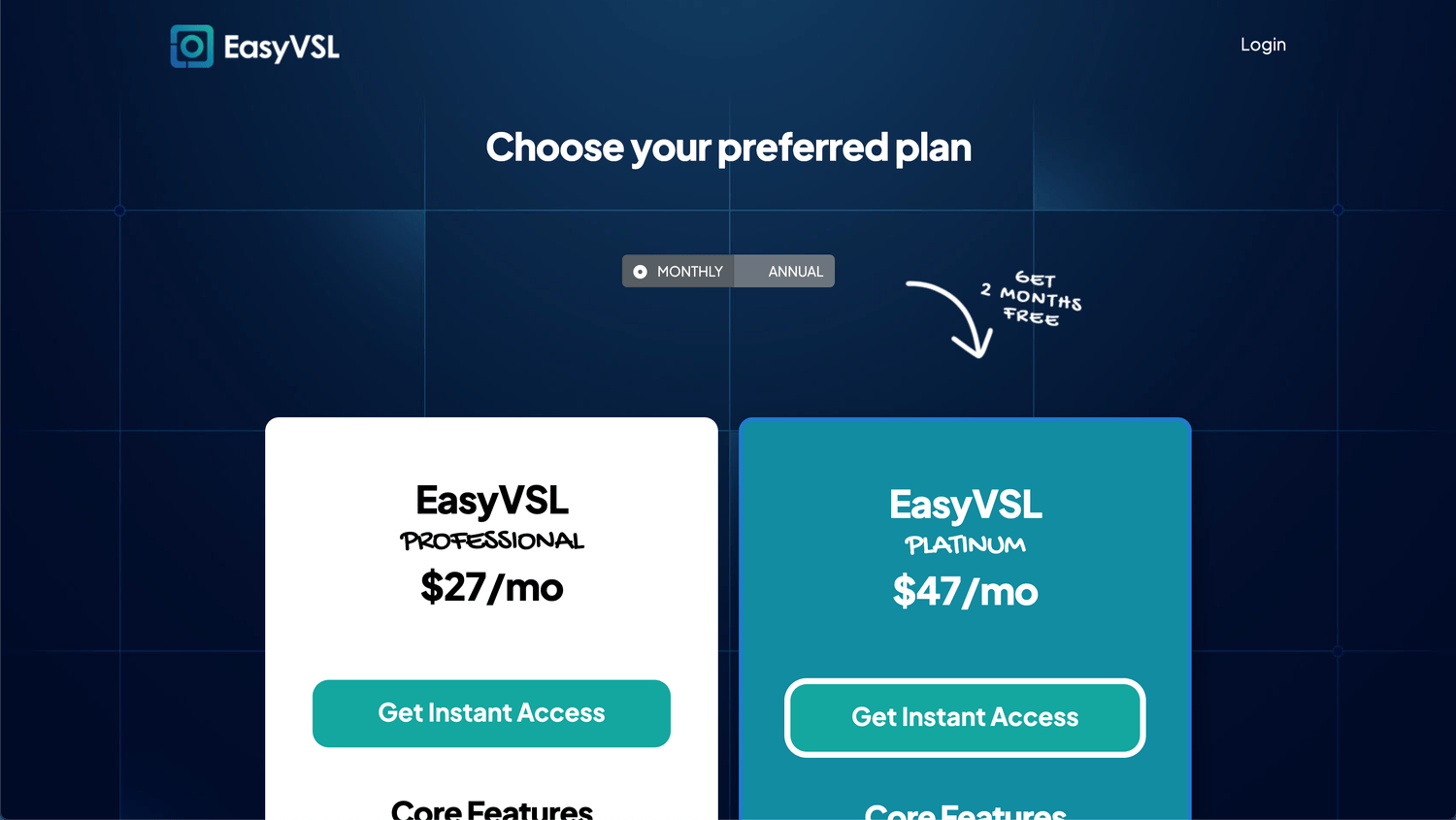
EasyVSL offers 2 pricing options:
EasyVSL Professional: It has a payment option of $264 per year, or $27 per month. This option provides essential features for those new to creating video sales letters and that might not need to produce a lot of VSLs. Plus, most features are limited.
EasyVSL Platinum: It has a payment option of $468 per year, or $47 per month. The features and access are the same as EasyVSL Professional, yet with more access to the features (not unlimited).
While EasyVSL does not provide a free trial, users can benefit from a 30-day money guarantee. EasyVSL excels in delivering easy-to-use tools for creating compelling VSLs, focusing more on improving conversion rates rather than general content creation. However, the recent bugs experienced by many users has turned the app into not being among the top favorites between marketers and designers.
5. Google Slides/PowerPoint/Keynote
Price: starts at Free
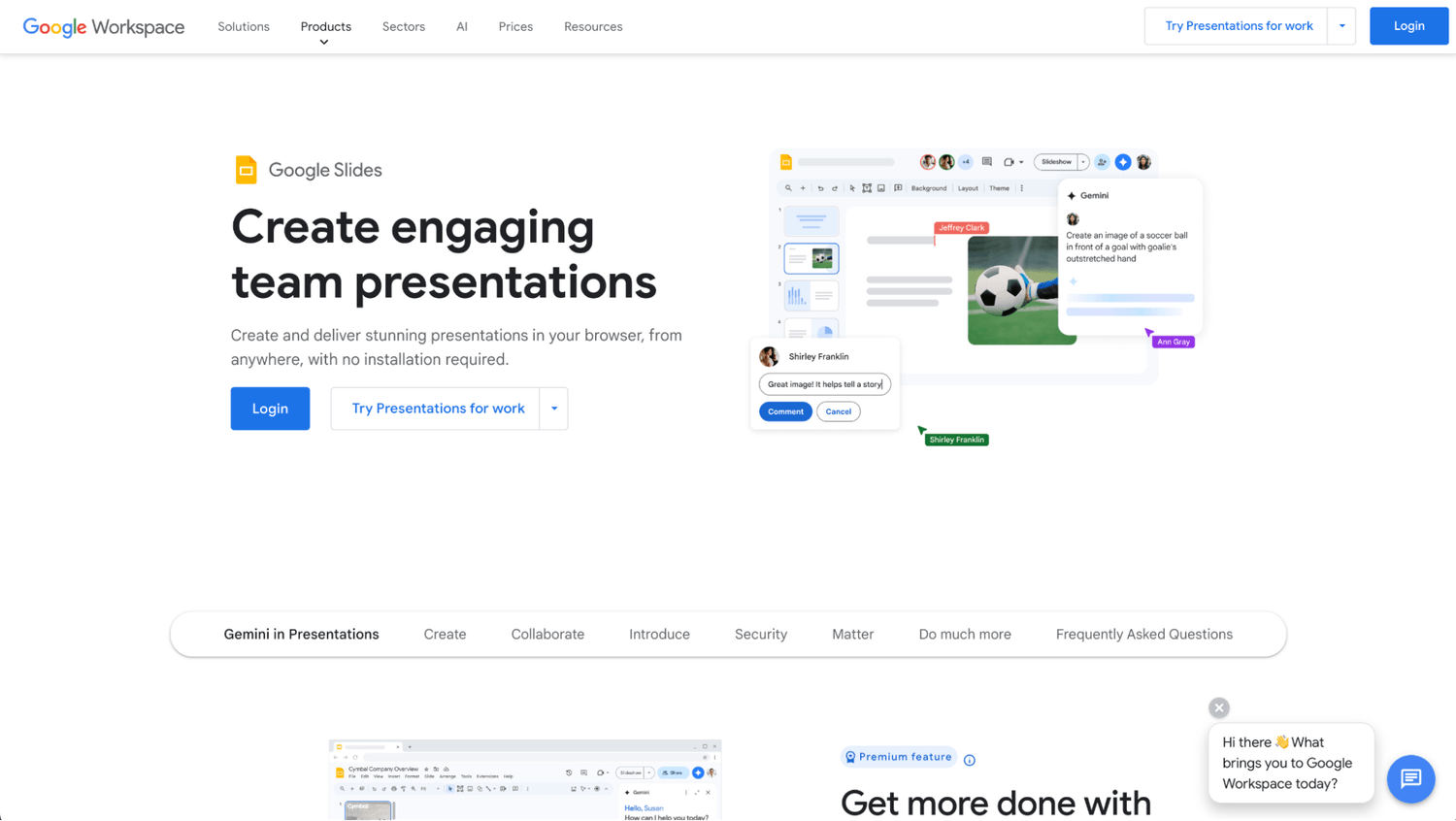
Last, Google Slides (or PowerPoint or Keynote) help marketers create VSLs with ease. While it’s not meant for conversions or marketing purposes, it can be a great tool to put ideas in the way the person creating the VSL wants, without requiring designer skills.
Pro:
User-friendly: since almost everyone has interacted with either Google Slides, PowerPoint, or Keynote at some point, it makes it easy to use, which helps create VSLs faster rather than having to learn a new tool.
Con:
No in-built audio sync: creating VSLs can only be done via the content. For recording it, you can only do it by reading the content slide by slide, which makes it time consuming, and impossible to consider using other voices (unless you want to use another tool for video editing like the ones we’ve mentioned in the list).
The lack of flexibility to record VSLs might not compensate for the ease of use of these free tools. Unless the business owner or content creator will record the VSL every single time in the app, it might be worth exploring other options.
Top Features:
Subtle slide transitions
Import PowerPoint presentations
Image effects
Graph or chart insert
Video embbed
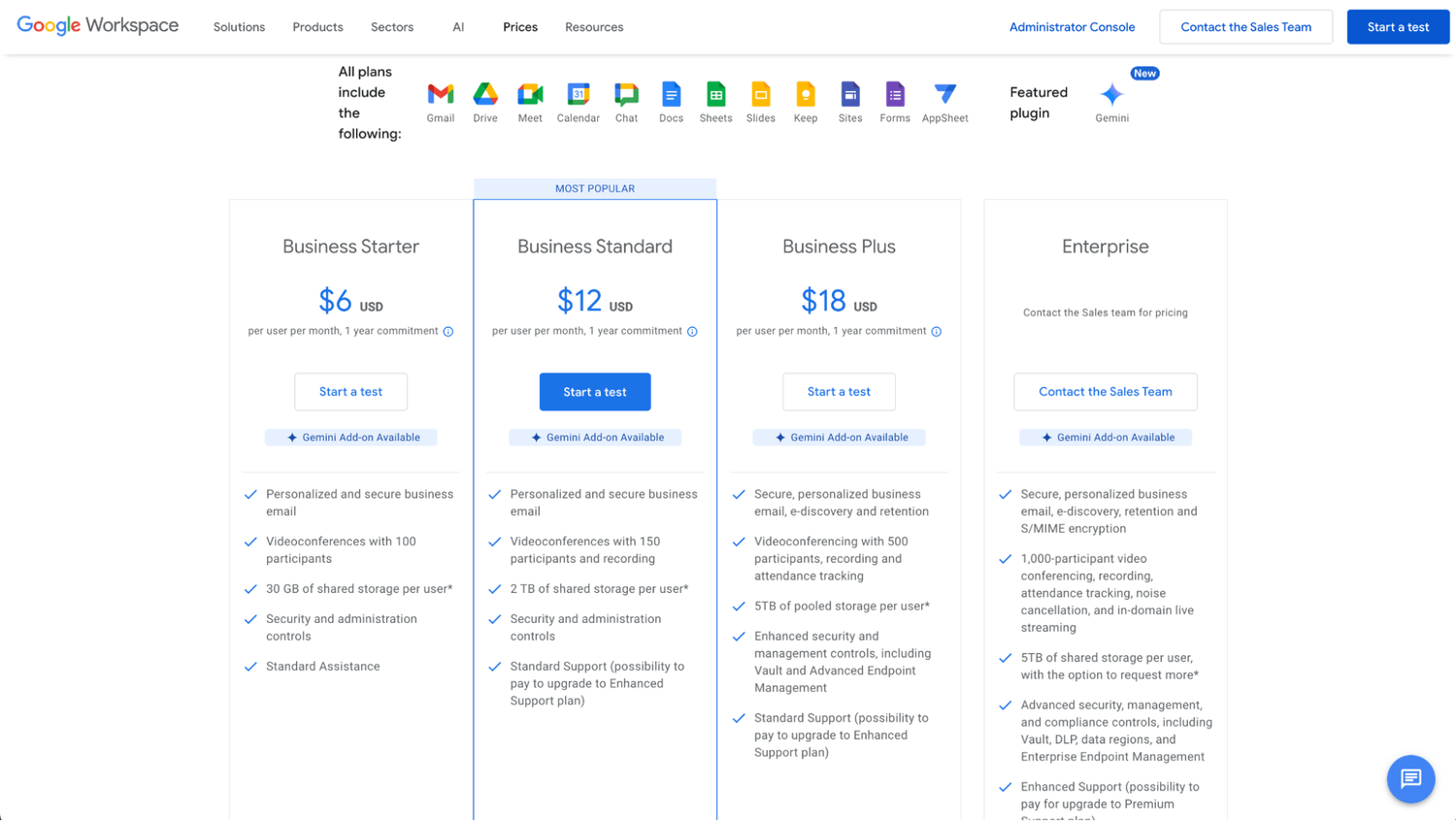
Google Workspace offers multiple tiers, starting at $6 per month, going up to $18 per month.
For PowerPoint, the license of the app itself (without a bundle) is $159.99. Finally, Keynote comes for Free and is only available for Apple users.
These tools are a good option to create VSLs if you are the face of the company, as there’s no native option to add recording into the entire presentation. Plus, you should know it will also take days to get it done, and multiple apps to create a high-converting VSL.
What to look for when choosing a VSL software?
First, we want to make a recognition for great tools that made it to the top 10, including Veed.io, Lumen5, Moovly, Descript, and Camtasia.
To choose the best video sales letter software for you depends on the type of video you’re looking to produce, your budget (for hiring designers and editors), and how much time you’re willing to spend (or wait) to get just one video done.
In the end, focus on creating VSLs that will drive conversions and (assuming you have a current VSL) help you beat the control. You can test different formats, but knowing the time it takes to get a VSL produced will take days or weeks, depending on the variations and the format.
So, what’s the best VSL software for you?
But when it comes to a software that easily helps you create VSLs in 1-click and it’s designed for conversions and marketing (not content), there hasn't existed one… until now.
NeuroVSl.ai is the #1 and only AI tool for VSLs (and webinars) that let you automatically sync audio and video with just 1 click. The best part is you don’t even need to record anything, because it natively clones your voice and then creates the voiceover of yourself (or from avatars) with just one simple dashboard.
What makes NeuroVSL.ai different from all the other tools is that it will give high-quality VSLs that are based on principles of psychology and neuroscience (consumer behavior), rather than just create videos that aren’t optimized for conversions. NeuroVSL.ai combines these principles to help you create videos.
The #1 and only AI tool that automatically creates your next VSLs (or webinars) in just 1 click, and within minutes.
SHARE


Get weekly conversion secrets...
about marketing, copywriting, and business development from an award-winning (neuro)marketer and 7-figure copywriter.
Created with © NeuroVSL.ai• Privacy policy • Terms of service